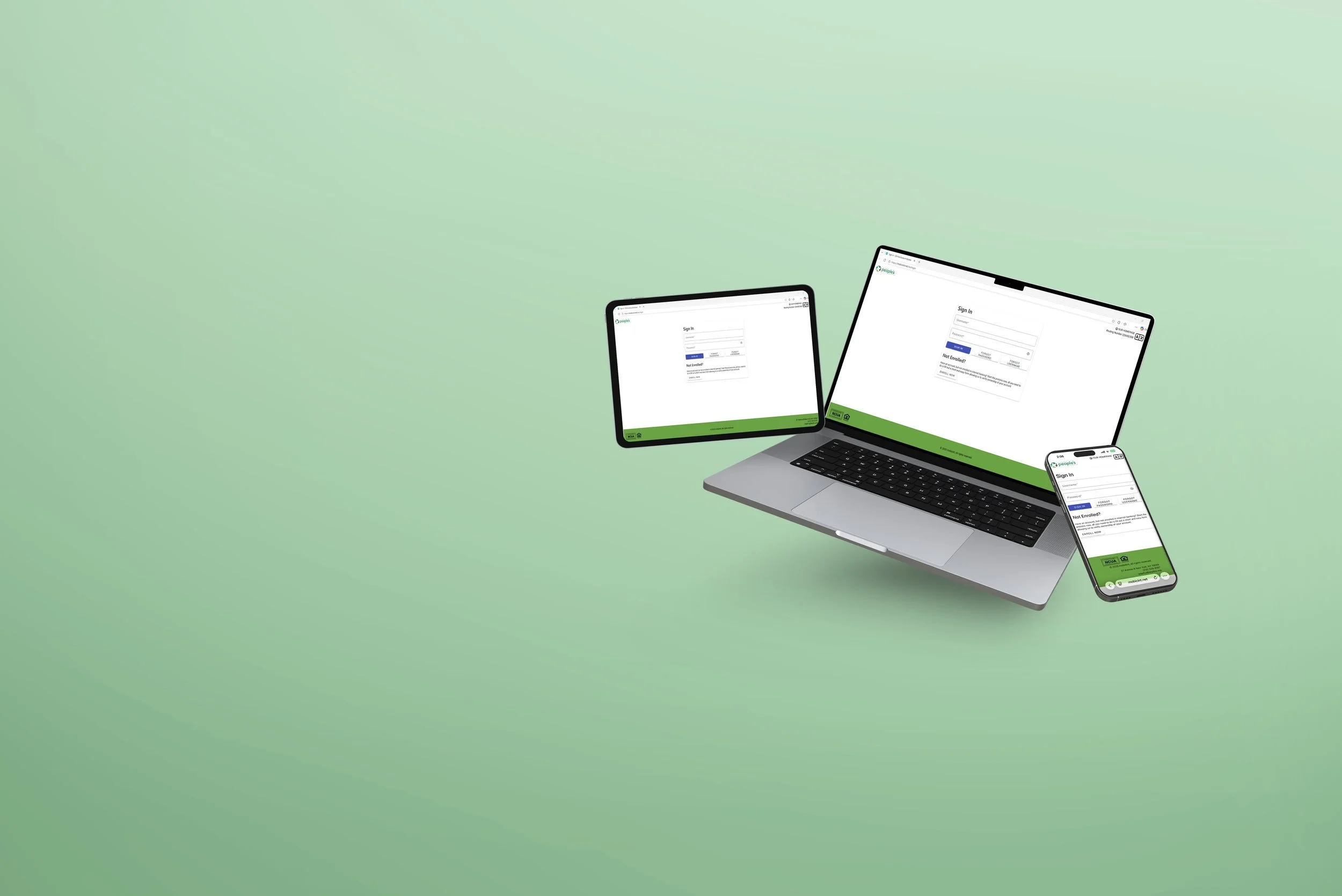
Online Banking and Mobile App Upgrade
Great news! Starting October 3rd with the new system upgrade, we have also updated our Online Banking and Mobile App!
If You Already Have an Online Banking User ID
If your current User ID is 16 characters or less, you don't have to change it.
Username: Your current User ID
Temporary Password: LES + the last 4 digits of the primary account holder’s SSN.
For Business Accounts, use LES + the last 4 digits of the EIN.
After your first login, you will be prompted to create a new password.
You can download the new mobile app right away. You do not need to enroll in Online Banking first.
Once you have created your new password, you can use your existing User ID and new password to log in to both Online Banking and the new Mobile App.
If Your User ID Did Not Transfer
If your current User ID is more than 16 characters, this means it did not transfer over to the new system. You will need to create a new User ID and enroll in Online Banking first.
Once you complete your enrollment, you can use your new Online Banking credentials to sign in to the new Mobile App.
Once you complete your enrollment, you can use your new Online Banking credentials to sign in to the new Mobile App.